The right accessory helps you position a microphone securely and adapt the setup to the way you use it. Start with the task: supporting the microphone, reducing airflow at its head or managing some reflections near a recording microphone. Then check compatibility with your exact model.
| Feature | What to check |
|---|---|
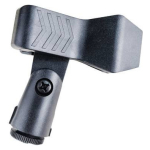
| Microphone clips and holders | Check the body diameter, mounting method and stand thread. |
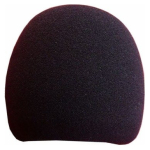
| Foam windscreens | The cover must fit the microphone head in both size and shape. |
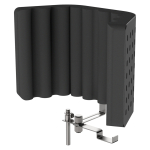
| Reflection filters | Compare size, mounting and the stability of the full setup. A filter does not soundproof the room. |
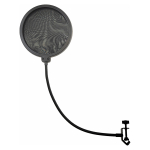
| Pop filters | Disperse breath blasts during close vocal recording. Check positioning and mounting. |
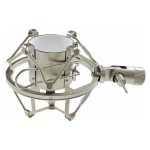
| Shock mounts | Help reduce transmitted mechanical vibration. Match the microphone attachment and stand thread. |
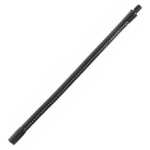
| Goosenecks and thread adapters | Compare reach, stability and both mechanical connections. |
| Replacement grilles and protection rings | Grilles must match the microphone model; rings must fit the body and their intended anti-roll use. |
A thread adapter can join compatible threads, but it cannot change the diameter of a microphone clip. Windscreens and reflection filters also need to leave room for controls, connections and correct microphone placement.
Not always. Compare dimensions, threads, mounting and the specifications for the particular model.
No. A clip holds the microphone, while a compatible elastic shock mount also helps reduce the transfer of mechanical vibration.
It is not intended for that purpose. Microphone and speaker positions and the settings of the sound system need attention instead.
No results returned from filter