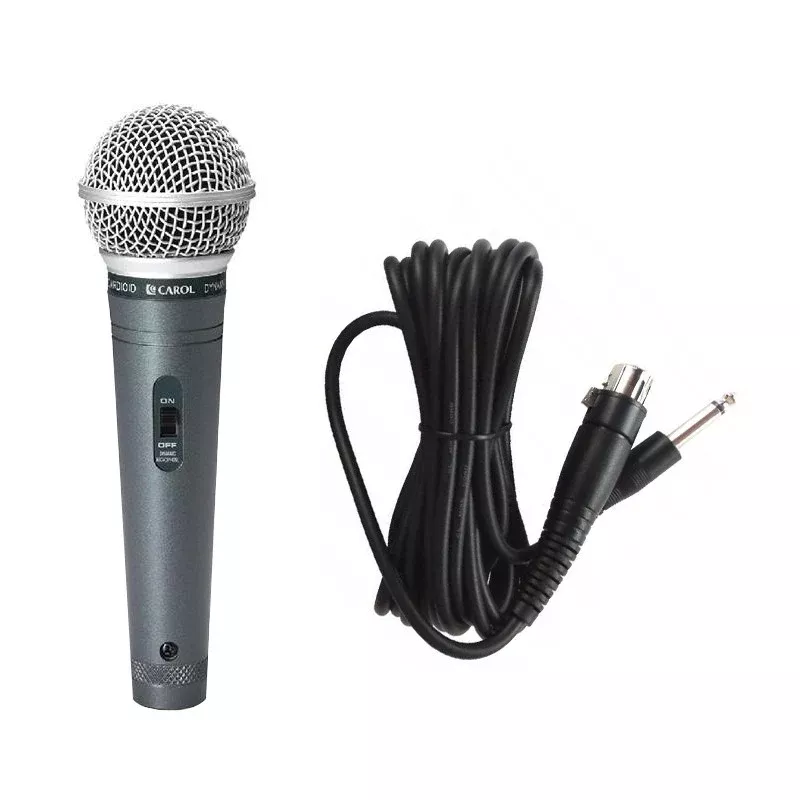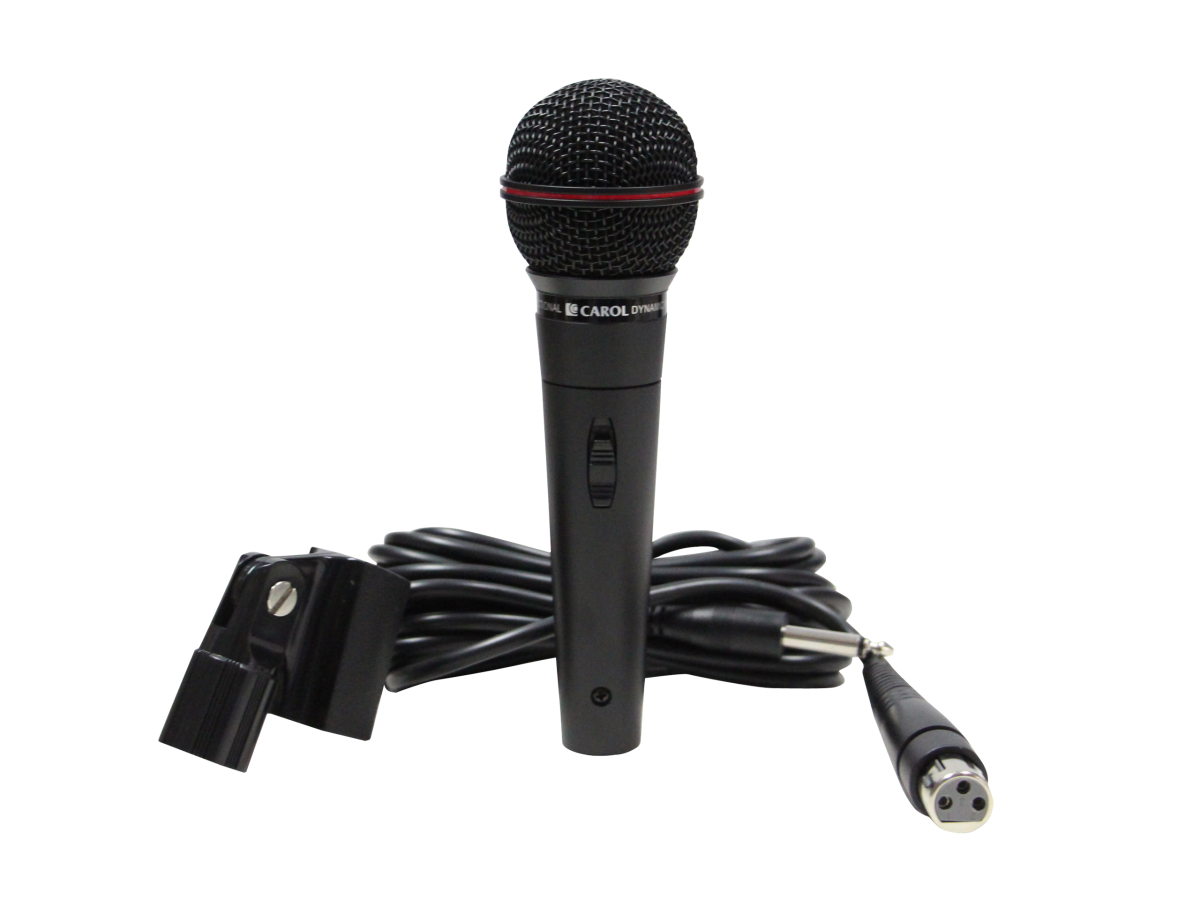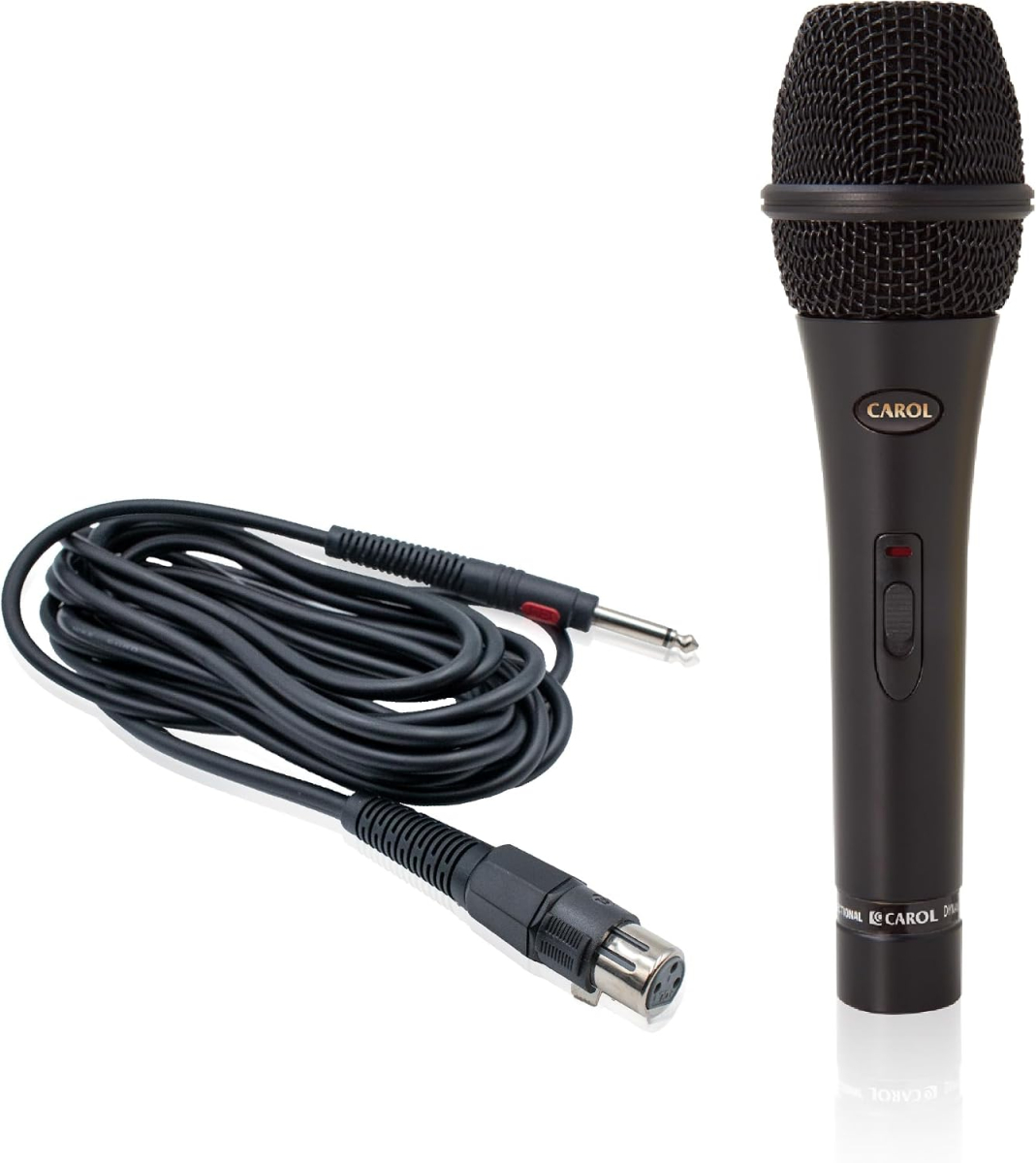
Whether you're looking for a reliable stage microphone, professional equipment for a recording studio, or a compact solution for podcasts and streaming, the right choice is key to clear and faithful sound. In the Microphones category, you will find a wide range of dynamic, condenser and wireless microphones for singers, presenters, musicians and content creators.
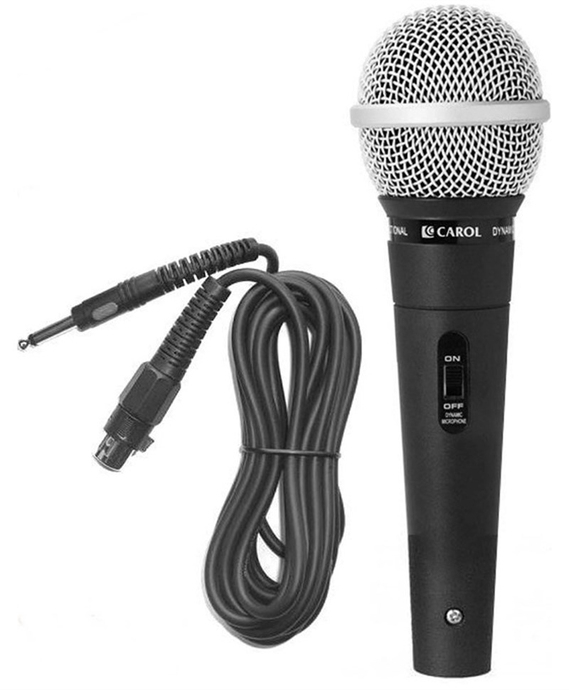
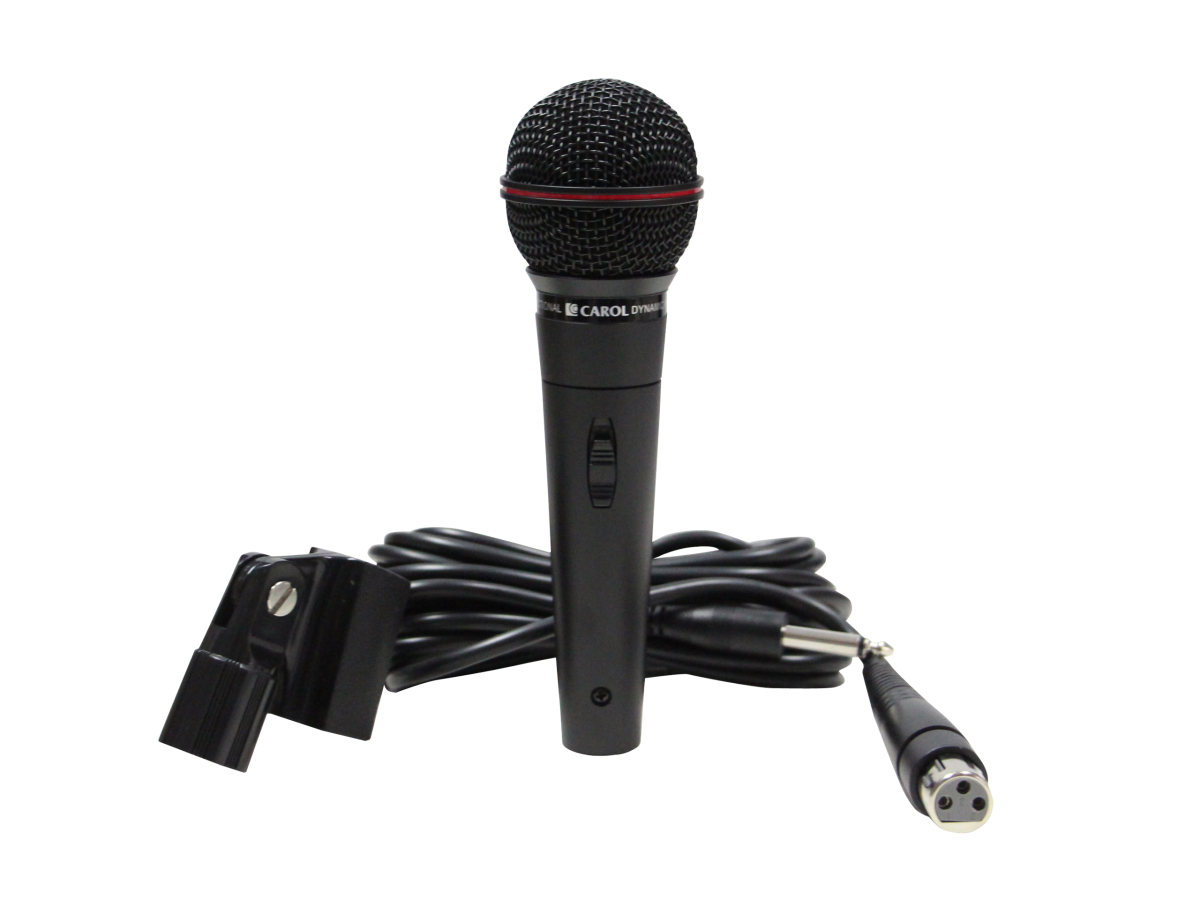
A classic for live performances, concert stages and rehearsal rooms. Dynamic microphones are exceptionally resistant to acoustic feedback, can handle high levels of acoustic pressure (acoustic guitars, drums, wind instruments) and do not require external phantom power (+48V).
The ideal choice for capturing delicate details, crystal clear highs and natural dynamics of voice or acoustic instruments. Condenser microphones with large diaphragm are useful in recording studios and professional dubbing (require +48V phantom power from the mixer or audio interface).
The most sensible Plug & Play solution for streamers, YouTubers, podcasters and working from home. USB microphones simply connect directly to your computer or laptop without the need for an external sound card or special drivers.
Maximum freedom of movement on stage without unnecessary cables. We offer complete wireless sets – handheld microphones, lapel (lavalier) microphones for presenters and headset sets for speakers, fitness trainers or theatrical performances.
Enhance your equipment with important accessories for perfect sound: Pop filters to suppress unwanted plosive sounds (P, B), shock mounts (spiders), foam wind protections, streaming arms and studio acoustic screens.
Dynamic microphones are mechanically more durable, less sensitive to ambient noise and can handle high volume without distortion, making them ideal for concerts. Condenser microphones are significantly more sensitive, capture a wider frequency spectrum and details, but require a quiet environment and external power supply (+48V Phantom power).
Phantom Power (+48V) is an electric current supplied via an XLR cable directly from the audio interface (sound card) or mixer. It is essential for the operation of most standard condenser microphones. Dynamic and USB microphones do not need this power supply.
POP filter (usually a mesh placed in front of the microphone) softens the blast of air that occurs when pronouncing plosive sounds (like P, B, T). It prevents unpleasant deep "pops" and overdriving the signal in the recording. For studio singing, podcasts and dubbing, it is extremely useful.
To connect a professional XLR microphone to a PC, you need to use an external sound card (audio interface) or a connecting USB-XLR adapter. If you want to plug the microphone directly into the USB port without additional devices, we recommend choosing a model from the USB Microphones category.